

Equipment returns including Apple TV
Follow these 4 easy steps for returning all other equipment.


Prepare your shipment.
Disconnect the equipment being returned and put it in a box along with any remotes or power cords provided by Optimum.
Disconnect the equipment being returned and put it in a box along with any remotes or power cords provided by Optimum.
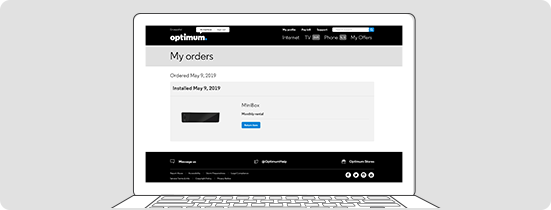

Start your return.
Sign in and go to My Orders. Next to the equipment you'd like to return, select Return item and follow the on-screen instructions.
Sign in and go to My Orders. Next to the equipment you'd like to return, select Return item and follow the on-screen instructions.


Attach the label.
Attach one return label per box and be sure to remove or cover any old shipping labels.
Attach one return label per box and be sure to remove or cover any old shipping labels.
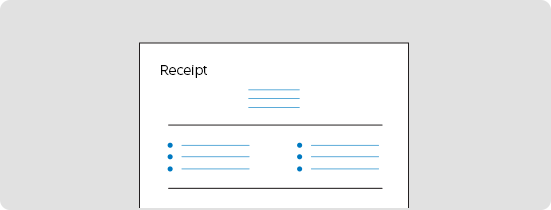

Drop off the box.
Bring it to Walgreens, FedEx Office or any authorized FedEx location. Don't use a FedEx Drop Box. Remember to ask for a receipt for your shipment as proof of mailing.
Bring it to Walgreens, FedEx Office or any authorized FedEx location. Don't use a FedEx Drop Box. Remember to ask for a receipt for your shipment as proof of mailing.
Already submitted a return request? You can track your return at My Orders.
NOTE: The following devices do not need to be returned to Optimum when you're ending service or upgrading equipment:
- Scientific Atlanta cable boxes
- CableCARDs
- DOCSIS 3.0, 2.0, 1.1 and 1.0 modems/gateways, except for TM1602A and TM804
Please recycle or dispose of these devices according to your local electronic waste guidelines.